OK OK
|
Closes the dialog and save your changes.
|
 Cancel Cancel
|
Closes the dialog without saving changes.
|
 Help Help
|
Opens online help.
|
 Template Template
|
Saves and retrieve (Using Templates) settings to be used on other
projects.
|
 Start Collision Start Collision
|
Start collision check for selected parts to be
checked, making the colliding components highlighted with a color defined in
the settings, displaying the collision solids.
|
 End Collision End Collision
|
Remove collision solids situated on selected part
found in the collision layer.
|
 Previous Collision Previous Collision
|
Select the previous found collision solid for
examination.
|
 Next Collision Next Collision
|
Select the next found collision solid for
examination.
|
 Set Front View Set Front View
|
Set the ACS depicting front view.
|
 Set Top View Set Top View
|
Set the ACS depicting top view.
|
 Apply Apply
|
Updates the current model object with any changes
made in the dialog settings.
|
  Show /Hide
Preview Show /Hide
Preview
|
Opens or closes, respectively, a flyout panel to
display an illustration based on the tool.
|
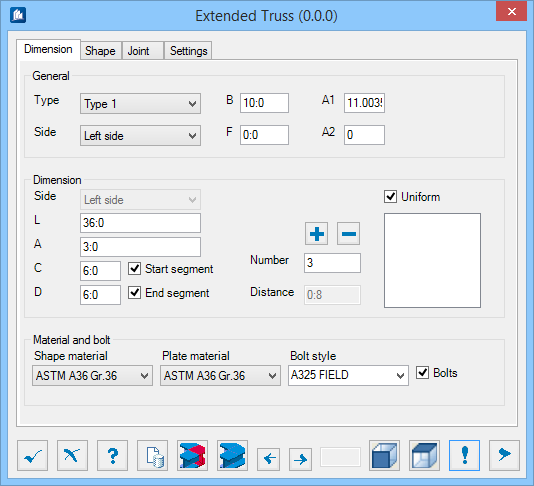
 Used to create extended truss.