
Single Rebar Distribution
 Used to add a single rebar
distribution to a concrete object.
Used to add a single rebar
distribution to a concrete object.

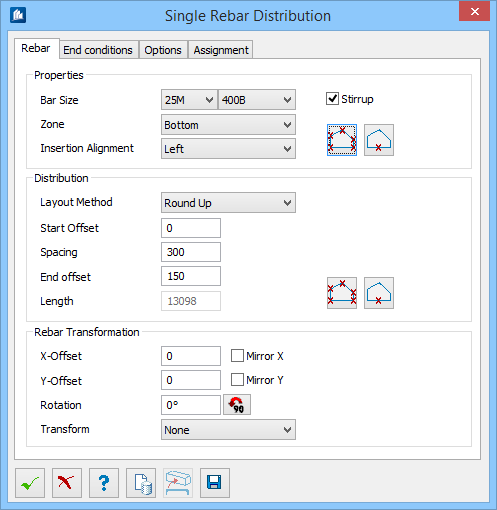
Dialog Controls
| Setting | Description |
|---|---|
 OK OK
|
Closes the dialog and save your changes. |
 Cancel Cancel
|
Closes the dialog without saving changes. |
 Help Help
|
Opens online help. |
 Template Template
|
Saves and retrieve (Using Templates) settings to be used on other projects. |
 Select Concrete Element to Attach Select Concrete Element to Attach
|
Click and then select a concrete element in the model. |
 Save Save
|
Appears once the rebars are created and being placed in the view. Click to save the current data of rebar distribution. |