
Properties Dialog
Used for modifying the properties of a print definition. The Properties dialog opens in the following situations:
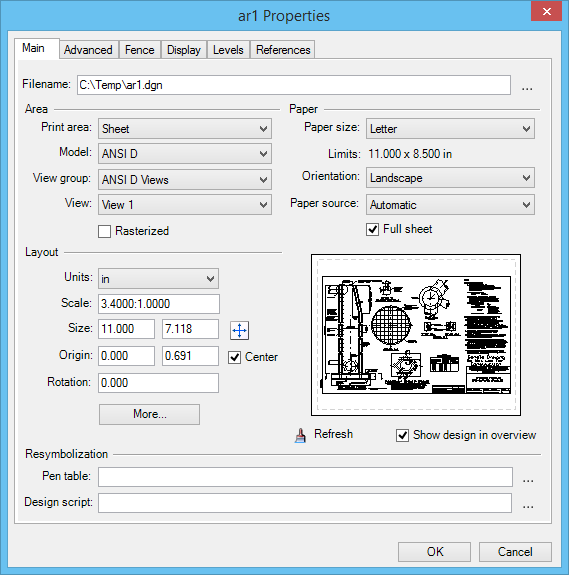
| Setting | Description |
|---|---|
| Main tab | Contains controls used to specify paper and layout properties for the selected DGN/DWG, PDF, or Raster print definition. |
| Advanced tab | Contains controls used to specify workspace, color options, and raster properties for the selected print definition. |
| Fence tab | Contains controls used to specify fence creation methods for the selected print definition. |
| Display tab | Contains controls used to specify display properties for the selected print definition. |
| Levels tab | Contains controls used to turn on/off levels by specifying level override entries for the selected print definition. |
| References tab | Contains controls used to turn on/off references by specifying File/Reference override entries for the selected print definition. |