Solid by Revolution
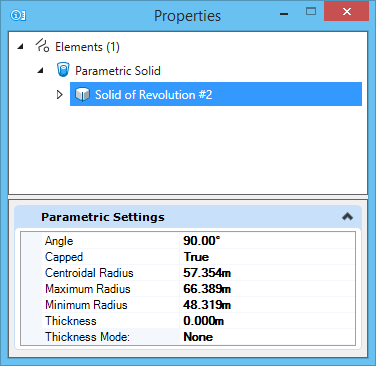
 Used to create a solid of revolution — a complex 3D element that is generated by rotating a profile element (ellipse, shape, complex chain, complex shape, or closed B-spline curve) about an axis of revolution.
You can access this tool from the following:
| Setting | Description |
|---|---|
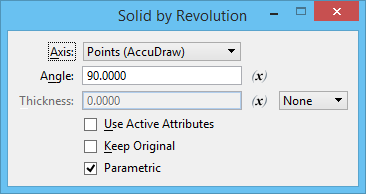
| Axis | Sets the direction of the axis of revolution.
|
| Angle | Sets the rotation angle. |
| Thickness | Sets the wall thickness when a hollow solid, or a
surface with thickness is required.
|
| Variable Link | Let's you use an existing variable to set the input value, defined in the Variables dialog. |
| Use Active Attributes | If on, the solid is created with the element using the active attributes. If off, the solid is created with the element taking the attributes of the profile element. |
| Keep Original | If on, the original profile element is kept in the design. |
| Parametric | If on, a parametric solid is created with the profile as an input element. The profile can be handled like other feature inputs, allowing you to show /hide, apply constraints, replace etc. |