
Select Image File Dialog
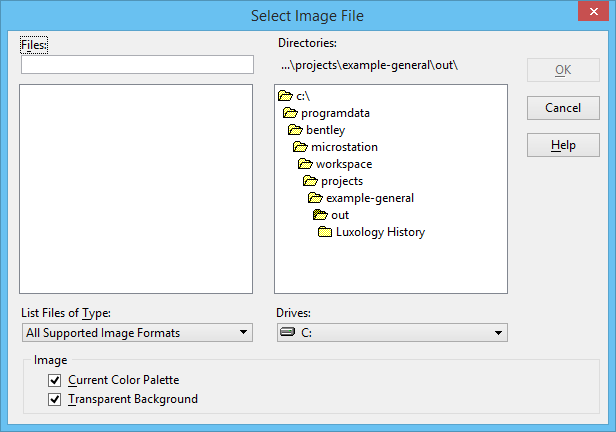
| Setting | Description |
|---|---|
| List Files of Type | Sets the image file format (see Supported export formats for a list of supported formats). |
| OK | Opens the selected image — enter a data point to define a corner, and another to define the opposite corner. The image is scaled as indicated but is placed with the correct aspect ratio. |